How to keep track of your tasks and commitments in WhatsApp?
Stop losing commitments in your WhatsApp chats. Compare the four ways to track them and find the one that fits how your team actually works.
If you run any part of a business through WhatsApp — customers, suppliers, your team, contractors — you've probably noticed: nothing in WhatsApp gets tracked. Not tasks, not commitments, not "I'll send that on Monday."
The app is built for chatting, not for remembering.
There are four ways people actually solve this, from least to most automated. Each has a catch.
Option 1: Use what's already built into WhatsApp
WhatsApp lets you
- star important messages and
- pin up to three chats to the top.
- WhatsApp Business adds labels like "Follow up," "Paid," or "New customer."
It's free and takes ten seconds to learn.
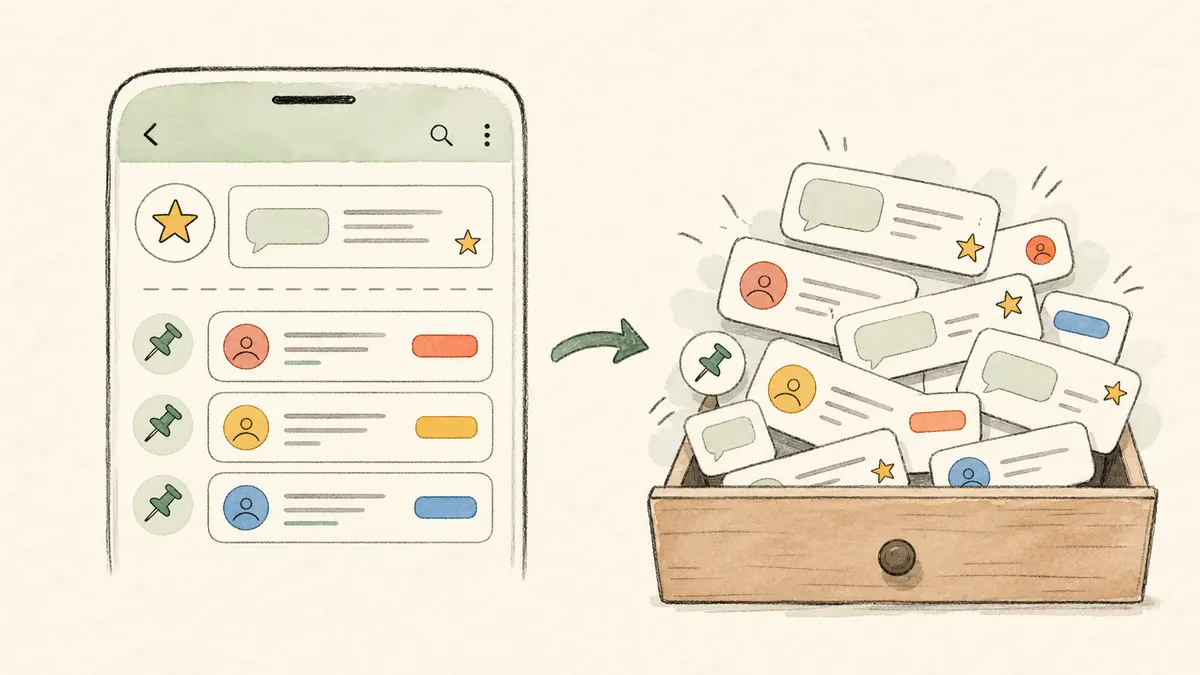
Where it breaks down: starred messages turn into a junk drawer within a week. You can only pin three chats. Labels help you sort people but don't track what was actually said. Fine if you're juggling a handful of things you can't afford to lose; useless once you have dozens of open threads.
Option 2: Manually Log things into the tool you already use
When something matters in chat, you copy it into Google Sheets, Notion, ClickUp, or wherever your team already tracks work.
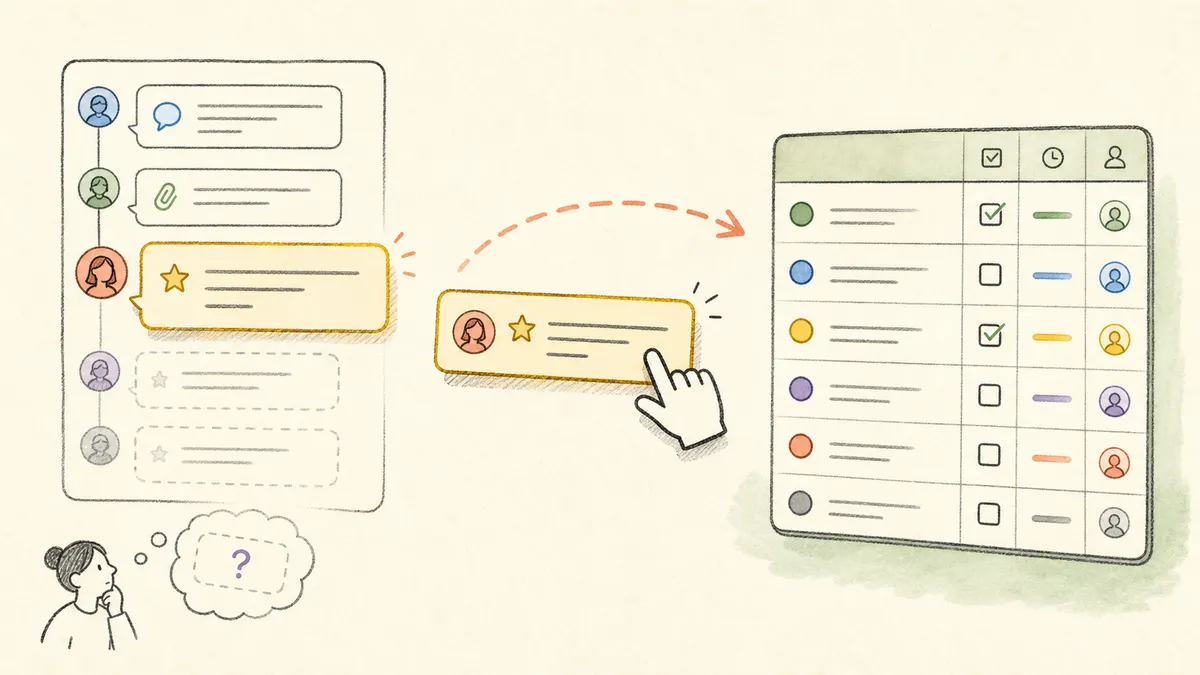
Where it breaks down: roughly ten active conversations. Past that, you spend more time logging messages than running the business — and the things you forget to log are exactly the things you needed to remember.
Option 3: Forward messages to an AI agent
An "AI agent" here just means a chatbot you save as a contact in WhatsApp. You forward messages to it the same way you'd forward to a colleague. It reads each one, remembers what was said, and answers questions later — "what did Ahmad commit to last week?", "what's still open with the supplier?"
A few tools work this way: Memorae, Openclaw, Hermes Agent.
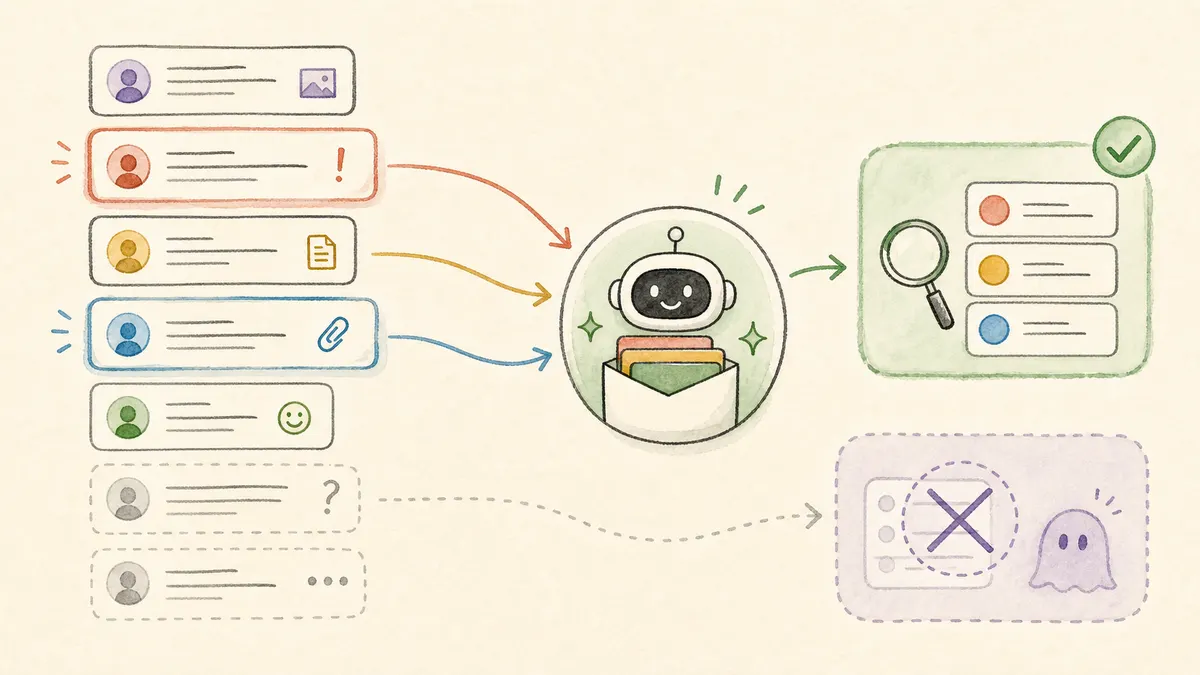
Where it breaks down: somebody still has to forward. The win over option 2 is that you don't type anything — you just hit forward. The loss is that anything you forget to forward is invisible to the agent.
Option 4: Let an agent listen to your chats directly
Same kind of AI agent, but instead of forwarding message-by-message, you connect it to your chats and groups once. From then on, it reads everything as it comes in and gives you summaries — what was said, who promised what, what's still open. Openclaw, Hermes Agent, and Klovr (us) all work this way.
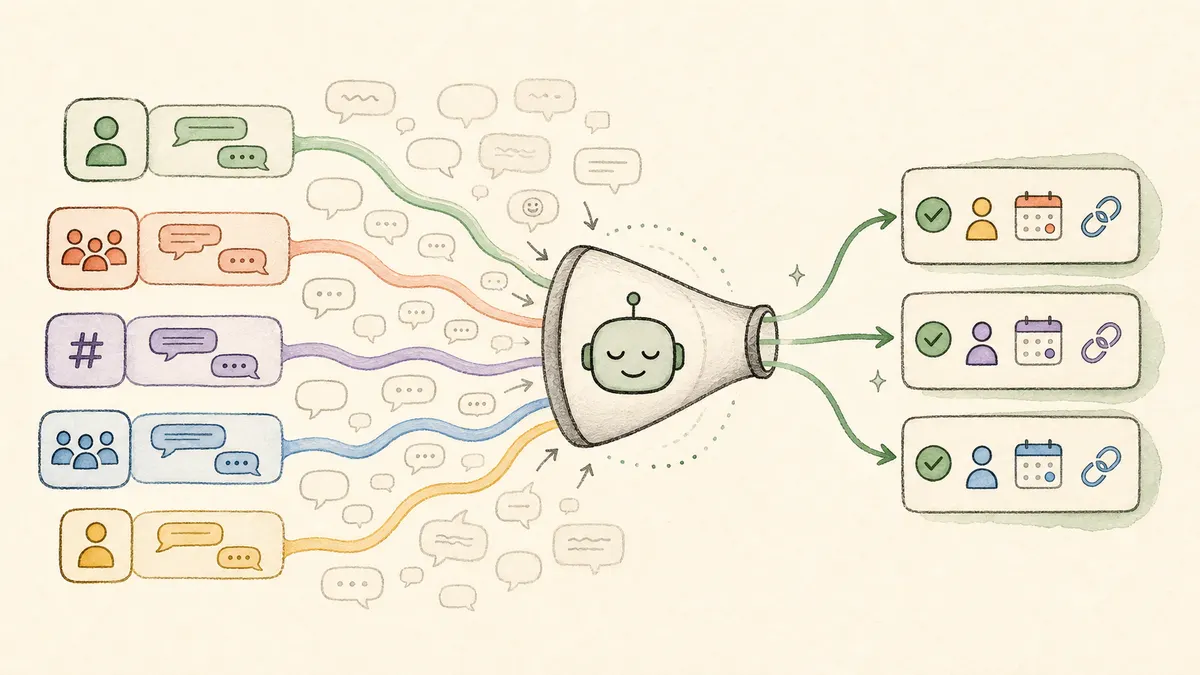
Where it breaks down: recall. Reading every message is the easy part — surfacing only the ones that matter is hard. Out of the box, most tools in this category either flood you with noise or miss the things you actually needed. The difference between a useful tool and a useless one comes down to how well it's tuned to the way your team talks.
Where Klovr fits
We do option 4, and the recall problem is what we work on full time.
Concretely: every Monday morning you get a digest of every commitment people made to you the previous week — grouped by contact, with the original message linked so you can verify in one tap. You also get a digest of commitments you made to other people. Nothing to forward, nothing to log.
We tune the model continuously on real chat data, so what counts as "important" keeps adapting as your team's language and priorities shift over time.
If you want to try it on one of your group chats, email us and we'll set it up.